I’m sure you’ve been asked to present many times before, and you’ll probably have to present in the future. Presentation is a great way to communicate your research, knowledge, and even goals to others. This page goes over how to design an excellent presentation.
Being Yourself
Keep in mind that you should just be the way you are when presenting. You can be as personal as you would like to be in the presentation. You can tell a more personal story at the start that resonates with the audience and make your presentation stand out. Be passionate about the presentation, don’t be afraid of the audience, and don’t worry about “failing” the presentation.

Alternatives to slides
Power point slides are a pretty common prop for presentations since it is an efficient way to provide a visual aid, but you can make something similar in different ways. Canva and Prezi is a good and free option for making these visual aids. Here are some examples of what Canva and Prezi can do.
You don’t need to only use slides for presentations. You can use other things like websites, books, stick, and more to present. Here are some examples from Mr. Conaway’s presentation.
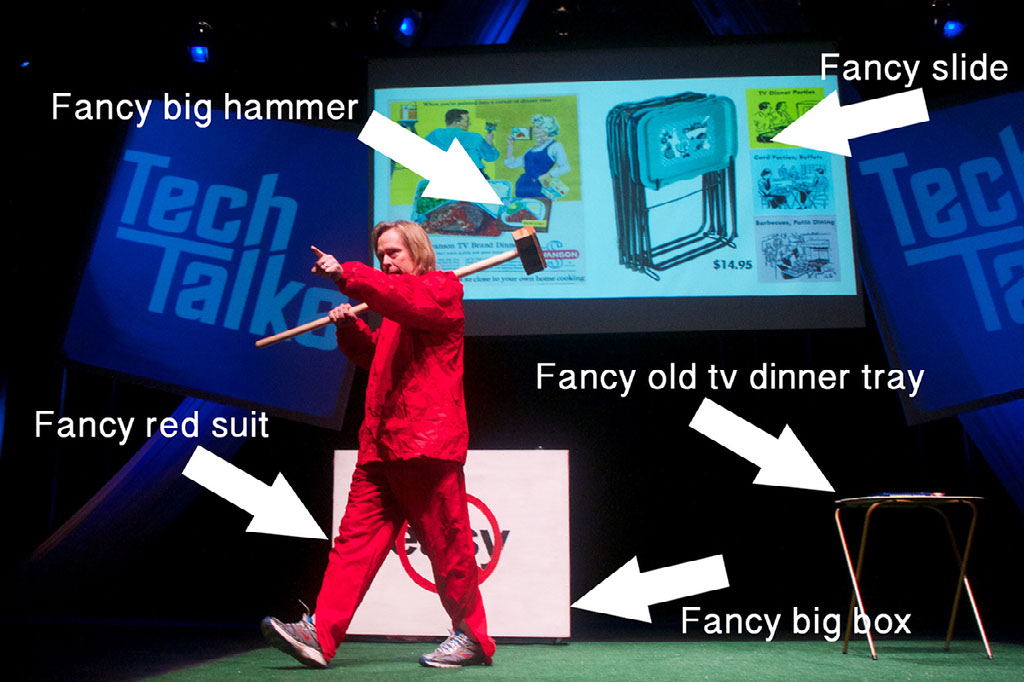
There are something about these objects that make the presentation feel more memorable and the topic feel more real. If you think you have an asset that you can use to make for better presentation, use it!
Making slides
Creating PowerPoint slides is a common way to create presentations, and sometimes, it may be a requirement. This page goes over ways to improve your presentation slides.
- Have few words. Each slides should have only couple sentences at most. Having too many words or lists too long can be overwhelming to the audience and tune them out of the presentation. Have the words you would have put on the slides inside your script instead.
- Use Images. Visuals are great way to keep the audience interested, just like picture books. Since pictures are worth a thousand words, using them should be a good substitute for literal thousand words while making the slides look more interesting. Consider taking your own images to make it more personal if you can.
- Make use of space. The main idea is that you can have words and images placed in a way that makes specific use of space. For example, you might have an image of a little sprout and give it space on the top to represent future growth. Giving meaning to space alongside the text and images makes full use of every part of the slide without making a mess.
- Use grids. You can organize elements of your presentation by putting them in a grid. This makes efficient use of space. You can create temporary lines with even spacing to create reference. Also note that the bottom 20% of the area might be obstructed by the audience themselves, so it is a good idea to leave these empty. You should also consider using the Rule of Thirds when using grids. Create a grid with 2 lines going both horizontally and vertically, then try to have text and objects of the images be where the lines are.
- About putting data in the presentation. You may want to put charts or graphs in your presentation slides to show research. But before doing so, make sure you ask yourself “Do I need to put data on the slides?” Presentation is not the best place to present data, since the ability for the audience to analyze the data is pretty limited. If you are going to put in data, show it in the simplest way possible. Otherwise, it could go on things like hand outs (if applicable).
The slides below are examples of what an improved power point slide is like.
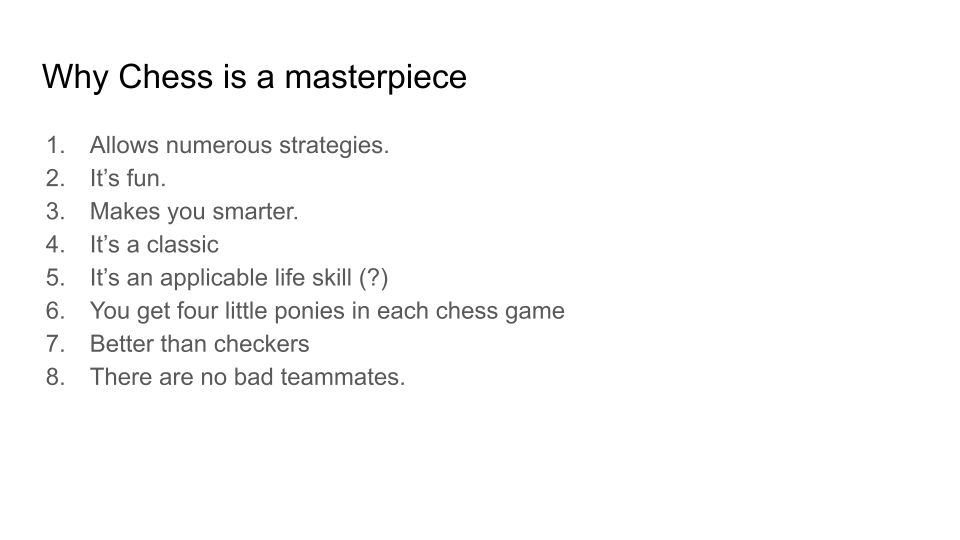
Bad presentation slide, shows massive overwhelming list of text and no interesting visuals whatsoever. Go to next slide to remove the list. 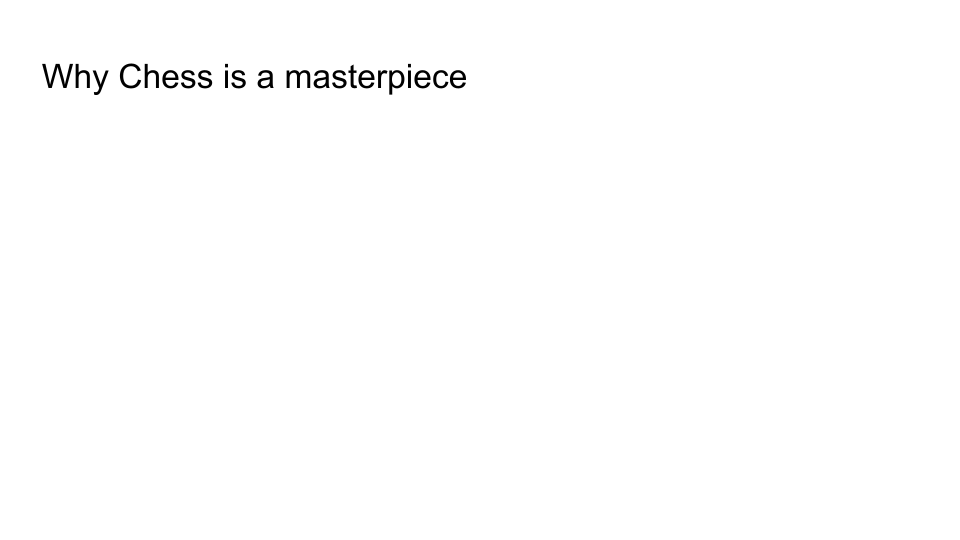
A bit better, but there are still no visuals. Go to the next slide to add an image to make the slide more interesting. 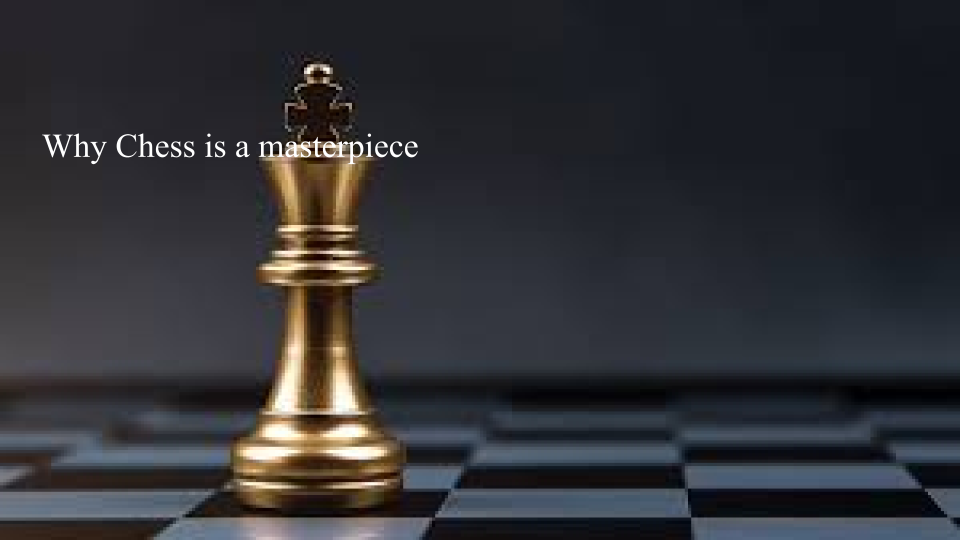
This one is better, but the text is in a rather awkward spot. Go to next slide an example with space between the text and the chess piece. 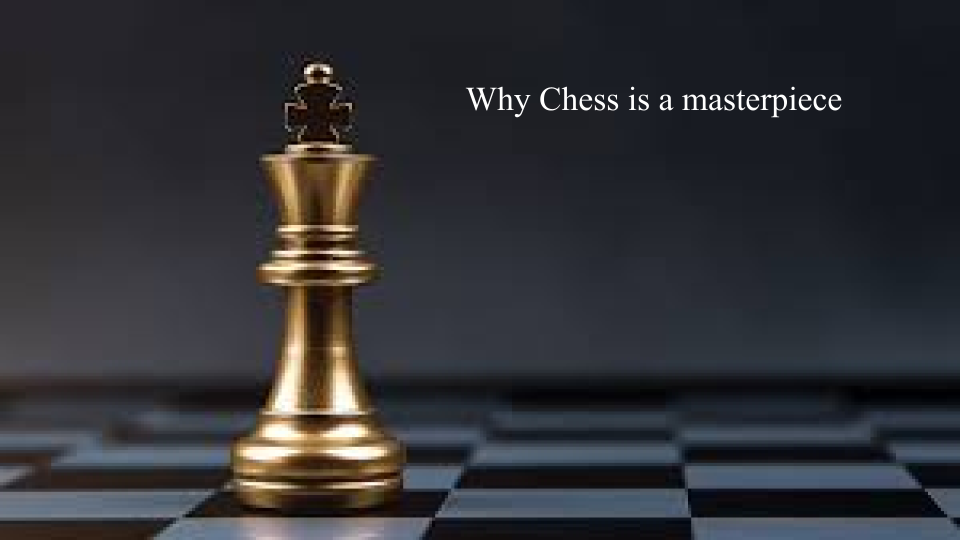
This is quite good, but let’s be a bit more calculated, adjust the position of the text by using a grid. 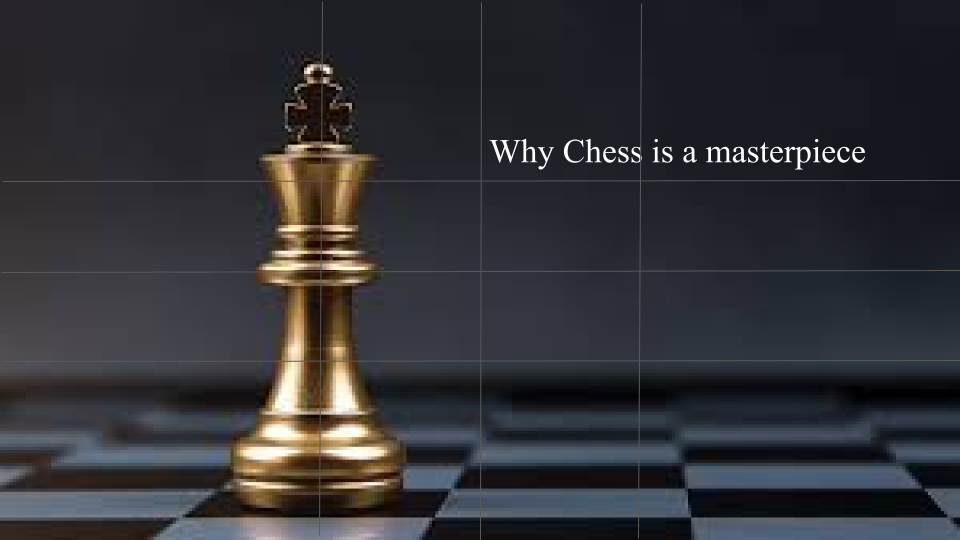
(Pretend the guide grid is not there visually) The text is now placed based on the rule of thirds.
Collaboration
You may have to work with your classmates or coworkers to create a presentation. Here are some tips for when you are working collaboratively with others.

- Make sure everyone is on the same page. You may have at least heard of the situation where one guy in your group project didn’t do anything for creating the presentation and rest of your group members are having them present so that they make up for not doing anything. This is an incredibly unideal situation because that one guy was not involved in the presentation, and will not have mastered the material they have to present. Make sure every member of the project knows what everyone has done and what is going on to ensure good communication.
- Decide what everyone is doing. Much like the first tip, it is good idea to establish what each person is going to do. Every step can be shared with all the members or have each person do specific things.
- Build psychological safety and trust with your group. Get to know each other and be open to them so that they feel safe to be more open about themselves to you. This helps the group be on the same page and help each other.
- Compromise is an important part of collaboration. Try to hear out opinions of group members and try to find a way to have the best of both ideas. Pay attention to their concerns and try to find a solution to all (at least most) of it.
